
Internet Solutions
Is Starlink Better Than Fiber?
No. If fiber is available at your address, fiber is better. It is faster, has lower latency, offers matching upload speeds, and usually costs less. Starlink is better only when fiber isn’t available (rural areas, remote job sites, temporary locations) or as a backup line. Is Starlink better than fiber? The quick comparison Fiber Starlink…
Read MoreWhere to Buy Starlink Mini Near Me (2026): Authorized Sellers, Prices & Scams to Avoid
Quick Answer You can buy a Starlink Mini directly from starlink.com or from authorized retailers, and in the US the hardware starts at about $199. Sellers include Borrow Starlink, Best Buy, Walmart, Home Depot, Target, and West Marine. Sam’s Club also lists the Mini kit. If you’re asking “who sells Starlink near me,” check those…
Read MoreIs Starlink Better Than Xfinity? (Honest 2026 Comparison)
The Short Answer Xfinity is better if it’s available at your address. Starlink is better if it isn’t, or if Xfinity is unreliable where you live. In most towns and cities, cable is cheaper, has stronger uploads, and has lower latency. Starlink wins when cable or fiber can’t reach you, and in rural areas it…
Read MoreDoes Starlink Work While Driving?
Yes, but only on a Roam, Mobile Priority, or equivalent mobile plan, with compatible hardware (Mini, Standard flat, or Flat High Performance), and only up to 100 mph. A base Residential or Priority (fixed-address) plan will not work in motion Starlink’s Fair Use Policy blocks it. The dish also needs a clear, mostly unobstructed view…
Read MoreHow to Connect a Computer to Starlink WiFi (Step-by-Step)
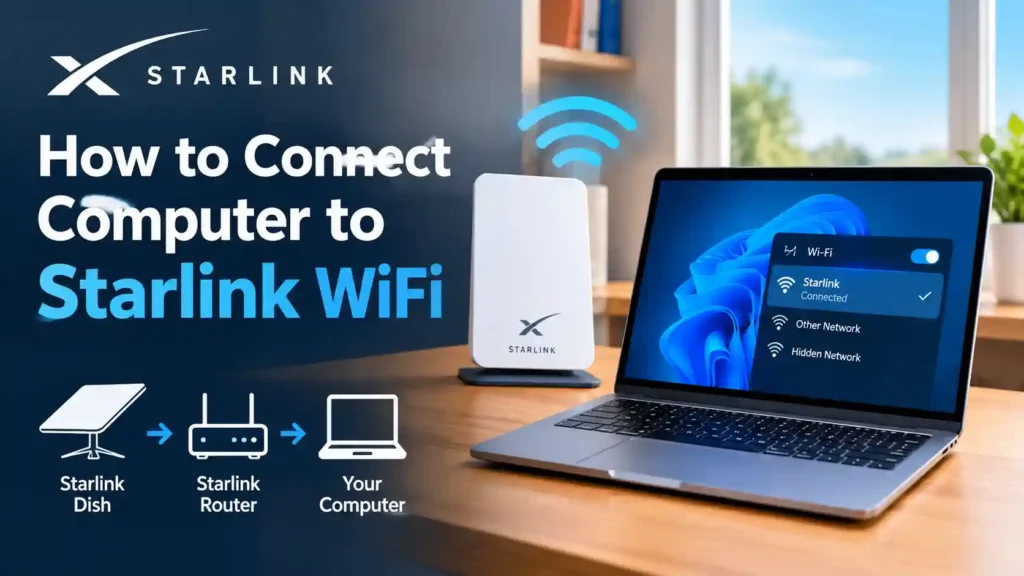
To connect a computer to Starlink WiFi, open your computer’s WiFi settings, select the network named “STARLINK” (or your custom SSID), and enter the password found on the label of your Starlink router or in the Starlink app under Settings. Most computers connect in under a minute with no extra software needed. Here’s exactly how…
Read MoreHow to Run Starlink Cable Into Your House (2026 Guide)
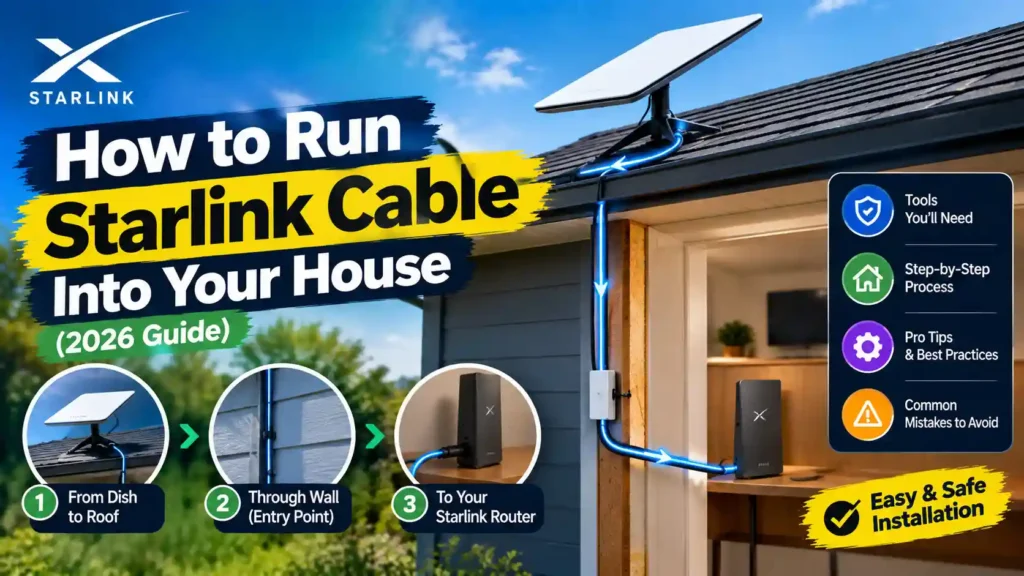
The most common way to run a Starlink cable into your house is to drill a single 3/4-inch hole through an exterior wall near your router, feed the cable through with a $32 official Starlink Cable Routing Kit, then seal the hole with the included grommet and silicone sealant. The whole job takes about 30–60…
Read MoreDoes Starlink Have TV Service?
No, Starlink does not have TV service. Starlink is a satellite internet provider, not a TV provider, it sells you a high-speed internet connection, not a channel lineup, cable box, or programming guide. If you want to watch TV using Starlink, you do it the same way you’d watch TV on any home internet connection:…
Read MoreHow High Are Starlink Satellites? (2026 Altitude Guide)

Starlink satellites orbit between 330 km and 490 km above Earth, depending on the satellite type. Broadband satellites (V1 and V2) sit at roughly 450–490 km, while newer direct-to-cell (DTC) satellites orbit lower, at about 330–370 km. This is a change from Starlink’s original reference altitude of 550 km SpaceX has been actively lowering thousands…
Read MoreWhy Is My Starlink Router Unreachable? (7 Causes and Fixes)
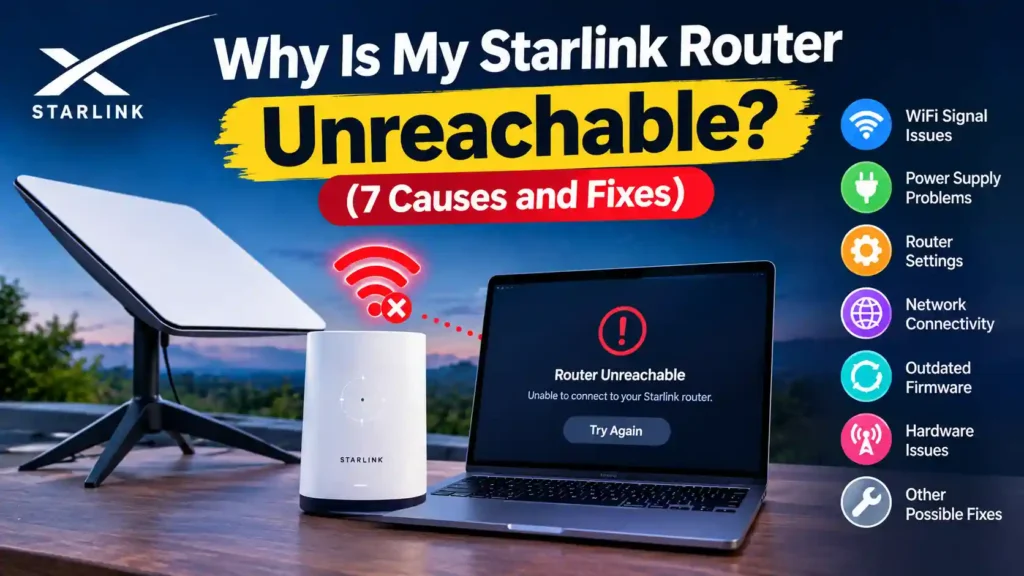
“Router unreachable” means your Starlink dish is connected to the internet, but the app can’t communicate with your router. In most cases, this is caused by one of three things: you’re checking the app remotely (normal, not a fault), the system is mid-reboot, or there’s a loose cable connection. Try a full power cycle first…
Read MoreHow Far Does Starlink WiFi Reach?
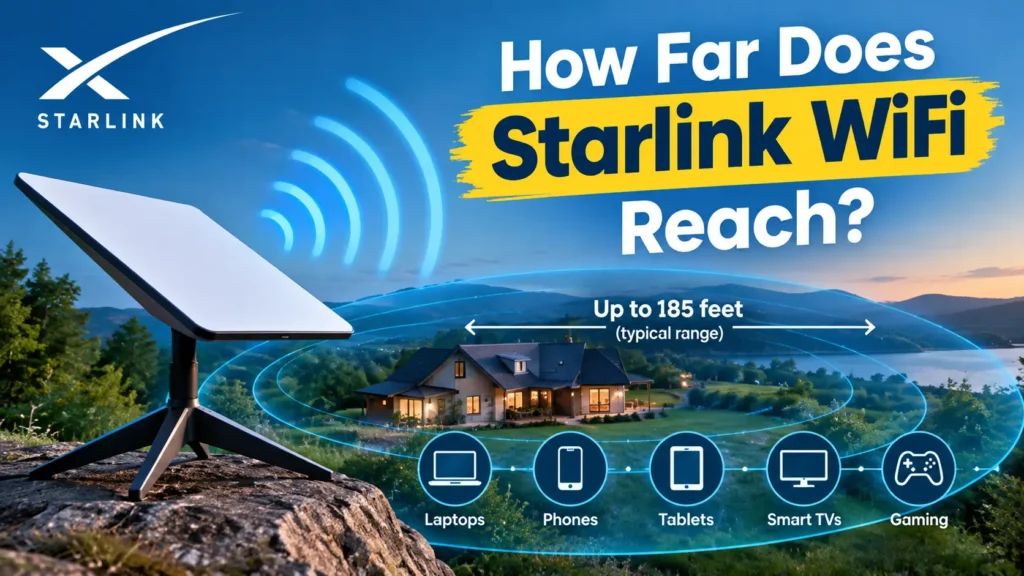
Quick answer: The standard Starlink Gen 3 router covers up to 3,200 square feet (297 m²) indoors under ideal conditions an open floor plan, central placement, and no thick walls in the way. In a typical home with drywall and a few interior walls, expect closer to 2,000–2,500 square feet of reliable coverage. Add a…
Read More